
RONE CLIPPER
A free hard clipper that shows you exactly what it cut — and keeps the kick and bass out of it.
Free RONE account · install it from the RONE Plugins Center · yours for good
About RONE Clipper
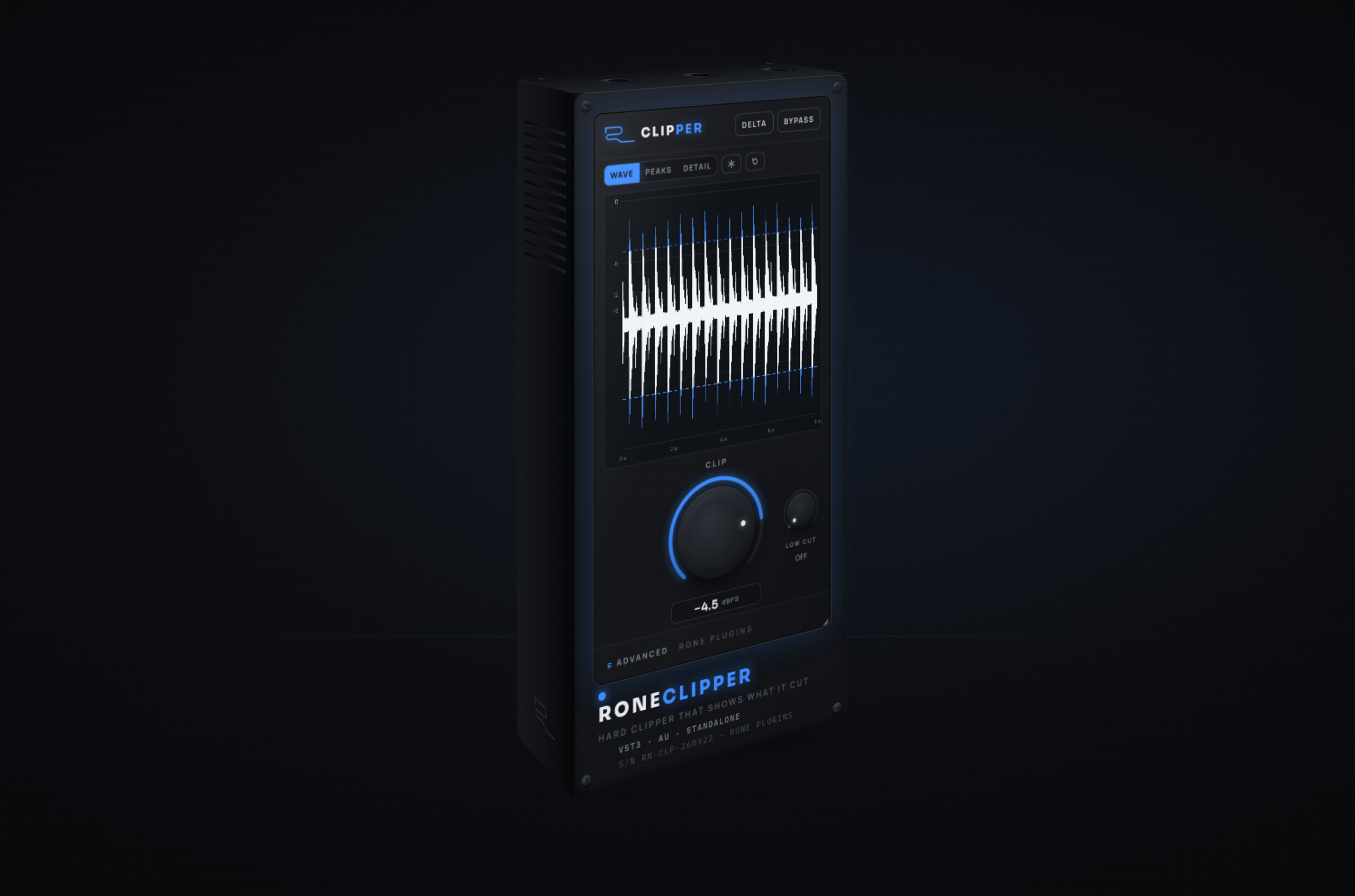
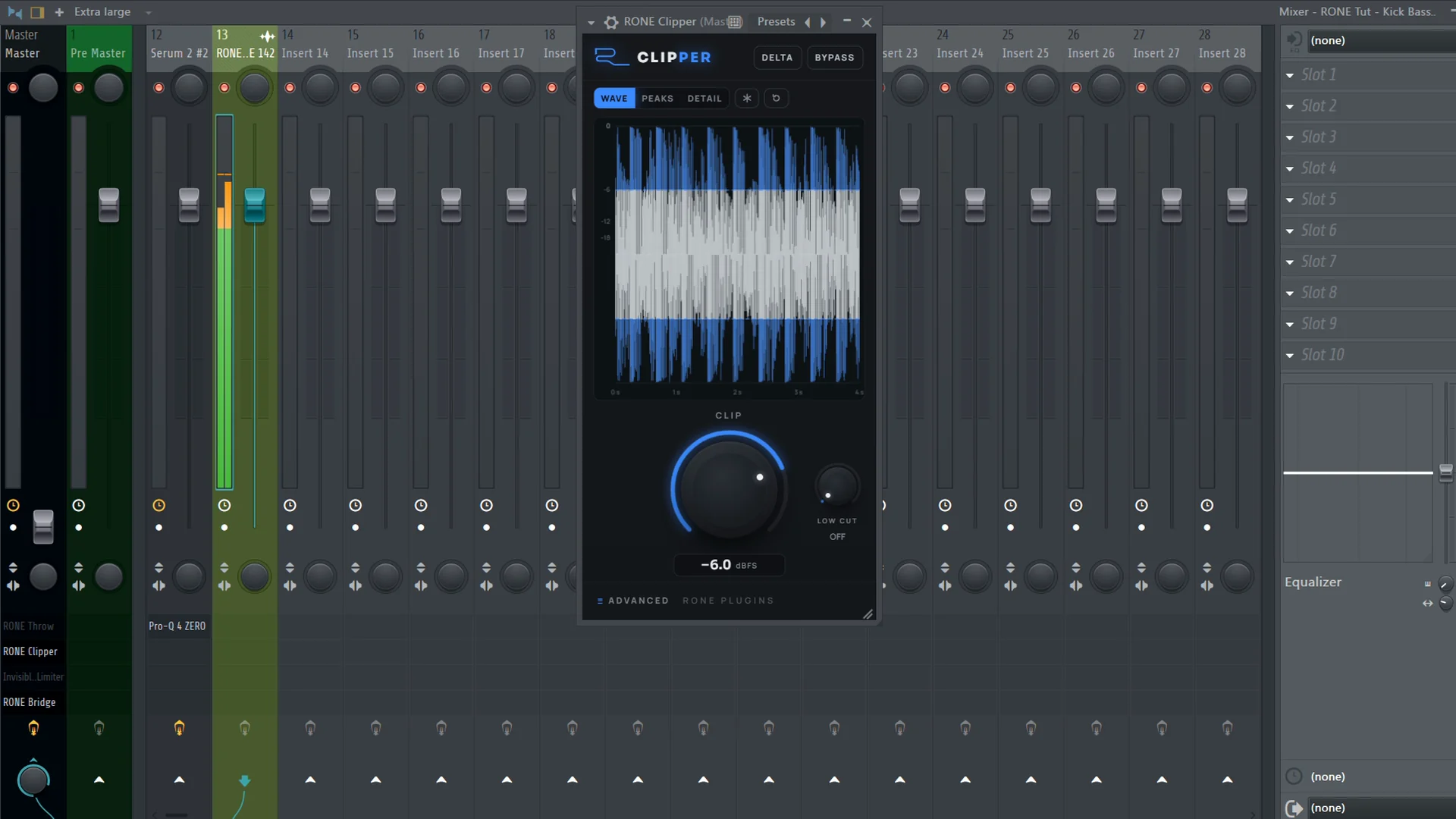
RONE Clipper is a hard clipper with one honest question at its centre: what did it actually remove? The window opens on the answer. The output waveform scrolls by and every peak the clipper cut is drawn on top of it in blue, so a glance tells you whether you are trimming transients or flattening the whole part. Turn CLIP down and the threshold line follows; the more you cut, the more blue you see.
Clippers make the low end jump, because a kick and the bass under it are the tallest thing in the mix. LOW CUT fixes that at the source: it splits the lows off before the clipper, clips only what is above, and re-adds the lows unclipped. Whatever the clipper itself adds below the knob is taken out with a linear-phase filter, so the bump a clipper normally invents at 20-400 Hz simply is not there.
Underneath, it is as transparent as the maths allows. Our own linear-phase half-band oversampler runs from 1x to 16x with the same fixed latency at every setting, the threshold moves at the oversampled rate, and switching the factor cross-fades with no click. DELTA plays only what was removed, AUTO GAIN brings the clipped peaks back to full scale, and the window stays one small rectangle: ADVANCED opens inside it.
The real plugin, playing by itself
The real interface, running in your browser on an example loop. The sound engine is stood in for here, so read the numbers as an illustration.
See exactly what it cuts
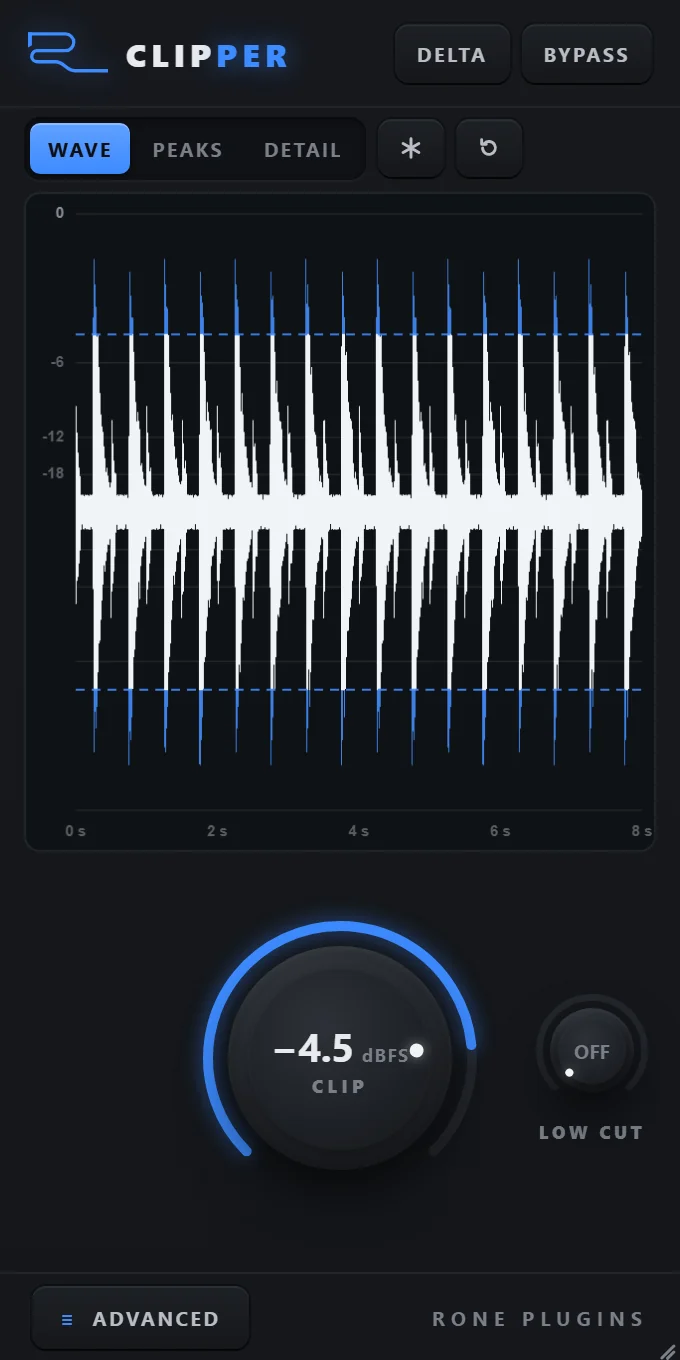
Every peak the clipper removes is drawn in blue on the waveform. Turn CLIP down and the threshold line follows: the more you cut, the more blue you see. Turn it back up and the blue shrinks to the tips of the kick.
Keep the kick and bass out of it
LOW CUT splits the lows off before the clipper and adds them back unclipped, so the clipper only sees what is above the knob - watch the blue fall away. DELTA plays only what was removed.
More, inside the same window
ADVANCED opens INPUT and OUTPUT, SAVED - how far the peaks came down - AUTO GAIN and oversampling from 1x to 16x. The graph and the knob make room; the window never changes size.
Zoom, peaks, one hit up close
Drag up on the picture to zoom in on time. PEAKS shows the peak history before and after the clipper, DETAIL the strongest hit sample by sample, and FREEZE holds the picture while you work.
What it does
Shows what it cut
The removed peaks are drawn in blue over the output waveform in real time. WAVE for the signed shape, PEAKS for the classic bar view, DETAIL for a sample-level look at one hit.
Mouse time-zoom and freeze
Drag up or down on the visual to change how many seconds are on screen, from 8 s down to 5 ms in DETAIL. Freeze holds the picture while you tweak.
LOW CUT saves the lows
Splits everything below the knob off before the clipper and puts it back unclipped; whatever the clipper adds below the knob is removed with a linear-phase filter. Kick and bass stop jumping, the clipper only ever sees what is above.
Transparent oversampling
Our own half-band linear-phase oversampler, 1x to 16x, with integer latency that does not change when you switch. Pass-through nulls below -94 dB at every factor.
DELTA and AUTO GAIN
DELTA plays only what was removed so you can hear exactly what you are giving up. AUTO GAIN raises the output by the amount you cut, so the clipped peaks land at full scale.
One knob until you need more
The default window is a small rectangle: the visual, CLIP and LOW CUT, with DELTA and BYPASS on top. ADVANCED opens INPUT, OUTPUT, oversampling and AUTO GAIN inside the same window: the graph and the knob make room, the window never changes size. Resizable from the corner like every RONE plugin.
When you reach for RONE Clipper
A few settings to start from.
Louder drums, same low end
Put it on the drum bus, switch LOW CUT to about 120 Hz and pull CLIP down until the blue caps sit on the snare and hat transients only. The kick passes underneath untouched; the bus gets 3-4 dB louder and the low end does not move on the analyzer.
OS 4x · AUTO GAIN ON
Shave the peaks the limiter would pump on
Clip the lead before it hits the master limiter. Open DETAIL and drag down to a few milliseconds to see one hit: you are trimming the very top of the transient, nothing more. The limiter now works on a flat-topped signal and stops breathing.
VIEW DETAIL · ZOOM 20 ms
Hard edges without the mud
Clip a rolling bass line for bite, but set LOW CUT to 200 Hz so the sub stays clean and only the mids get the edge. Press DELTA to hear the removed part on its own; if it sounds like the sub, raise LOW CUT until it does not.
DELTA check · OS 16x
Before you install
System requirements
- Windows
- 64-bit · VST3, AAX and Standalone
- macOS
- 10.15 Catalina or later, Intel and Apple Silicon · VST3, AU, AAX and Standalone
- Pro Tools
- AAX on Windows and macOS.
- Not included
- CLAP
- Account
- A free RONE account, on up to 2 computers
- Internet
- To sign in and install. After that it keeps working offline for up to 90 days between checks.
Install in three steps
- Make a free RONE account. Sign up here, no card.
- Download the RONE Plugins Center from the page that opens, install it and sign in.
- The Center installs RONE Clipper and unlocks it. If your DAW does not list it yet, scan for new plugins.
Mac: the installers are signed and notarized by Apple.
Windows: the installers are not code-signed yet. If SmartScreen shows “Windows protected your PC”, click More info, then Run anyway.
Version history
- 1.1.212 NOV 2026
The window keeps its shape when you resize it, in every host.
- 1.1.110 NOV 2026
A window closed and opened again comes up at once, never white.
- 1.1.08 NOV 2026
RONE Control (beta) inside the plugin: ride CLIP and LOW CUT with your hand.
- 1.0.157 NOV 2026
Your DAW's bypass keeps the track in time.
- 1.0.134 NOV 2026
A new Clipper opens at 1x oversampling, the lightest setting.
- 1.0.123 SEP 2026
Update notice: when a newer version is out, the plugin says so as it opens. UPDATE hands it to the Plugins Center, which installs it as soon as your DAW lets go of the plugin; LATER hides the note for three days.
- FREE23 SEP 2026
RONE Clipper becomes a free plugin.
- 1.0.022 SEP 2026
First release: WAVE, PEAKS and DETAIL, CLIP, LOW CUT, DELTA, AUTO GAIN, 1x to 16x oversampling, and INPUT and OUTPUT under ADVANCED.
Common questions about RONE Clipper
What formats does RONE Clipper come in, and on which systems?
RONE Clipper runs as VST3, AU and Standalone on macOS 10.15 Catalina or later (Intel and Apple Silicon), and as VST3 and Standalone on Windows (64-bit). It also installs as AAX on Windows and macOS, so it runs in Pro Tools. CLAP is not included.
Which DAWs does RONE Clipper work in?
Any DAW that loads VST3 on Windows, or VST3 or AU on macOS: Ableton Live, FL Studio, Logic Pro, Pro Tools (AAX), Cubase, Studio One, Bitwig Studio, REAPER and others. The Standalone version runs on its own, without a DAW.
Is RONE Clipper really free?
Yes. RONE Clipper is free. It needs a free RONE account and the free RONE Plugins Center app, which installs, updates and unlocks it on up to 2 computers. No card, no trial.
What does LOW CUT do in RONE Clipper?
It keeps kick and bass out of the clipper: the lows are split off before the clip stage and added back unclipped, and whatever the clipper itself adds below the knob is removed with a linear-phase filter. The cut peaks are drawn in blue over the waveform, so you always see what was removed.
Does RONE Clipper oversample?
Yes, from 1x to 16x with RONE's own linear-phase half-band design, with the same latency at every setting. DELTA plays only what the clipper takes off, AUTO GAIN makes up the level, and ADVANCED adds INPUT and OUTPUT faders to the one-knob window.
Does RONE Clipper add latency?
384 samples at 48 kHz, about 8 ms: the oversampling plus the linear-phase LOW CUT filter, constant in every setting and reported to the host, which compensates it automatically.
How do I install RONE Clipper?
Create a free RONE account, download the RONE Plugins Center from your account page, sign in and press INSTALL on RONE Clipper. The Center installs it, unlocks it and keeps it updated; if your DAW does not list it yet, scan for new plugins.
Where is the RONE Clipper manual?
The full user manual comes with RONE Clipper: it is installed with the plugin as a PDF and opens from the plugin's card menu (Manual) in the RONE Plugins Center, for everyone who owns it or has ALL ACCESS. The video tutorial is free at roneaudio.com/manuals/ and on the RONE PLUGINS YouTube channel.
Get RONE Clipper
RONE Clipper is free. Make a free RONE account, download the RONE Plugins Center, sign in — it installs and unlocks the Clipper for you.
FREE PLUGIN · NO CARD · NO TRIAL
1. Free account · 2. RONE Plugins Center · 3. Sign in — RONE Clipper unlocks, 2 computers, updates included.
Every RONE plugin, plus everything released from here on, for as long as you subscribe — $20 a month, or $149 a year.
The button marked NOT ON SALE YET means this plugin’s lifetime checkout is not open yet — the price shown is final, and the button starts working the day it opens. ALL ACCESS is live today either way.
RONE CLIPPER IS FREE · 14-DAY FREE TRIAL ON ALL ACCESS · CANCEL ANYTIME